
Editing Screen Captures with a Screen Video Recorder
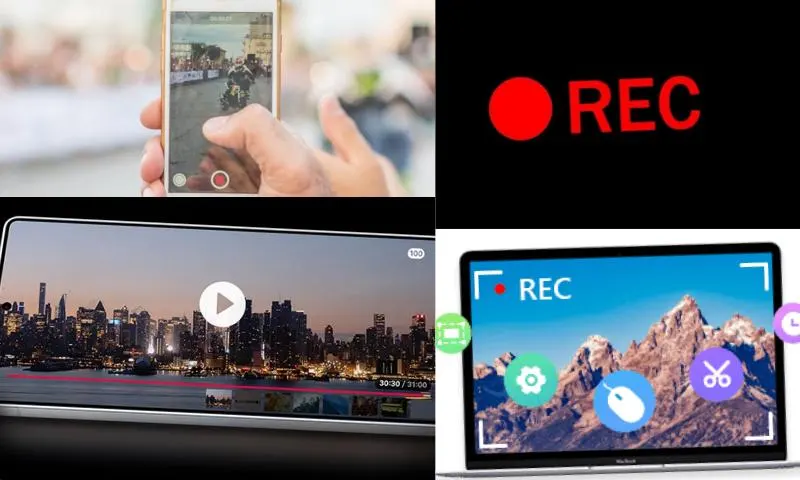
Screen video recorder software offers the ability to edit screen intervals, in addition to recording computer operations. These features, widely used especially in education, presentations, and the business world, make screen captures more effective and understandable. Most screen recording software not only records video but also allows for still screen captures. Popular screen recorders like OBS Studio, Snagit, and ShareX make these types of operations easy to perform. You can instantly capture your entire screen or a specific area on your computer. Taking screenshots with a screen video recorder is also very useful, especially when explaining complex processes step by step. You can visit the relevant online companies on web pages to get information on this topic and ask your questions, and review it in detail from there.
Screen Video Recorder and Simple Edits
One of the most valuable features offered by a screen video recorder is the ability to edit screen captures. Making simple edits makes screen captures more explanatory and effective. For example, advanced software like Snagit offers various editing tools such as adding annotations to screen details, drawing arrows, highlighting specific areas, and making color corrections. Similarly, with ShareX, you can instantly crop your screen captures and adjust various effects.
Visual Quality and Format Selection with a Screen Video Recorder
When editing images with a screen video recorder, it is important to maintain visual quality. Screen recorder software generally stores screen captures in high resolution, providing clearer and more detailed images. However, to avoid losing this quality during editing, the correct format must be chosen. PNG is a generally preferred format for screen captures because it does not compromise quality during compression. On the other hand, the JPG format allows you to easily share your images with smaller file sizes.