
When Should You Use a Second Router as an Access Point?
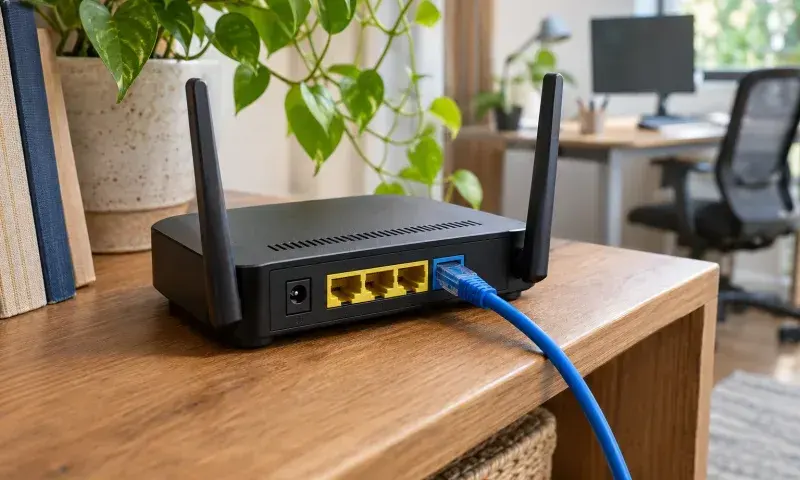
If Wi-Fi is weak at one end of your home, a second router connected to the main router by Ethernet can extend coverage. In access point mode, the main router continues assigning network addresses. That keeps devices such as printers and computers on the same local network.
When does access point mode help?
It is a good option if you can run an Ethernet cable to a second room or upstairs. Unlike a wireless repeater, the second device does not need to pick up a strong Wi-Fi signal from the main router. The port you should use depends on the model, so follow the device’s access point setup instructions.
How should you choose a network name?
Using the same Wi-Fi name and password makes it easier to stay connected as you move around the house. Your phone or computer usually decides when to switch access points. During setup, a different network name can help you see which access point you are connected to in each room and pinpoint coverage problems.
Finally, connect your phone to the second device and test both internet access and a local printer. If you can browse the internet but cannot see local devices, check whether the second device is still in router mode.
Keep the access point out of metal cabinets. Once it is in place, test the connection in the rooms where you normally use it.