
What is a Guest Wi-Fi Network? A Practical Way to Share Internet at Home
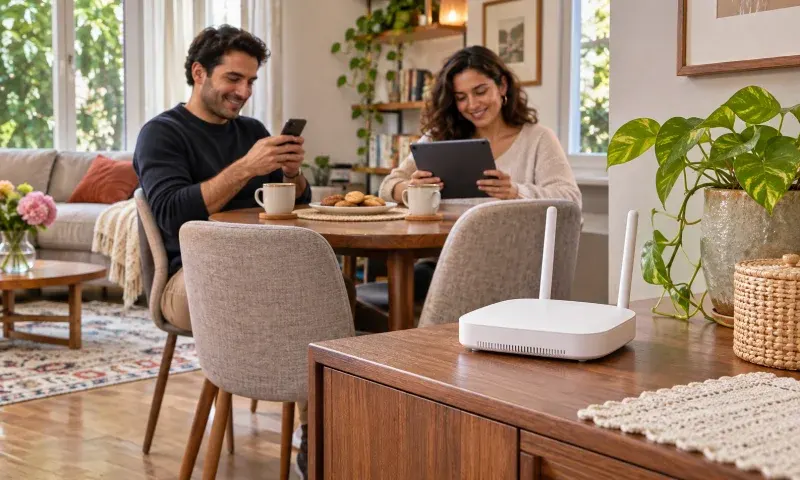
You don't always have to share your main Wi-Fi password to give an internet connection to a guest at home. If your router supports it, you can open a separate guest network. This way, visitors can connect with their own designated network name and password, while you can keep your home devices on the main network.
Set a Separate Network Name and Password
The guest network setting can be found in the router's app or management screen. The menu name and available options vary by model. Choose a network name that is easy to distinguish and set a password different from your main network. You only need to give your visitor this connection information.
Check the Local Network Access Setting
Opening a guest network doesn't automatically provide the same separation on every device. Some routers have a separate option that allows guests to access devices on the main network. If your goal is only to share internet, check that this permission is turned off. It's also possible for guests to see each other, which might be a different setting; don't mistake the two options for the same thing.
Operating Mode Can Change the Outcome
On devices used as access points, in particular, separating the guest network from the main network may depend on an additional setting. Therefore, don't just rely on the network name saying 'guest'. Read the descriptions for your model and software version; don't try to apply menu options described for another device verbatim.
Choose Duration and Connection Options According to Your Needs
Some models support keeping the guest network active for a specific period or limiting the speed allocated to this network. If these features are available, you can adjust them according to the duration of the visit and home usage. If you don't need to keep the network active after the visit, turn it off.
Do a Final Check by Connecting as a Guest
After saving the settings, connect your phone to the guest network and check if the internet is working. Also, consider in advance whether access to a home printer or shared storage is needed. If there's no such need, sharing the connection without enabling local access provides a simpler setup for daily use.